Stream Deck plugin
KubeDeck
Your Kubernetes cluster on your desk. Each key watches a namespace or a deployment and refreshes every ten seconds — green when every pod is ready, amber while pods are starting, red when a container is crashlooping.
Recorded against a live cluster. 1 min 50 s, with sound.
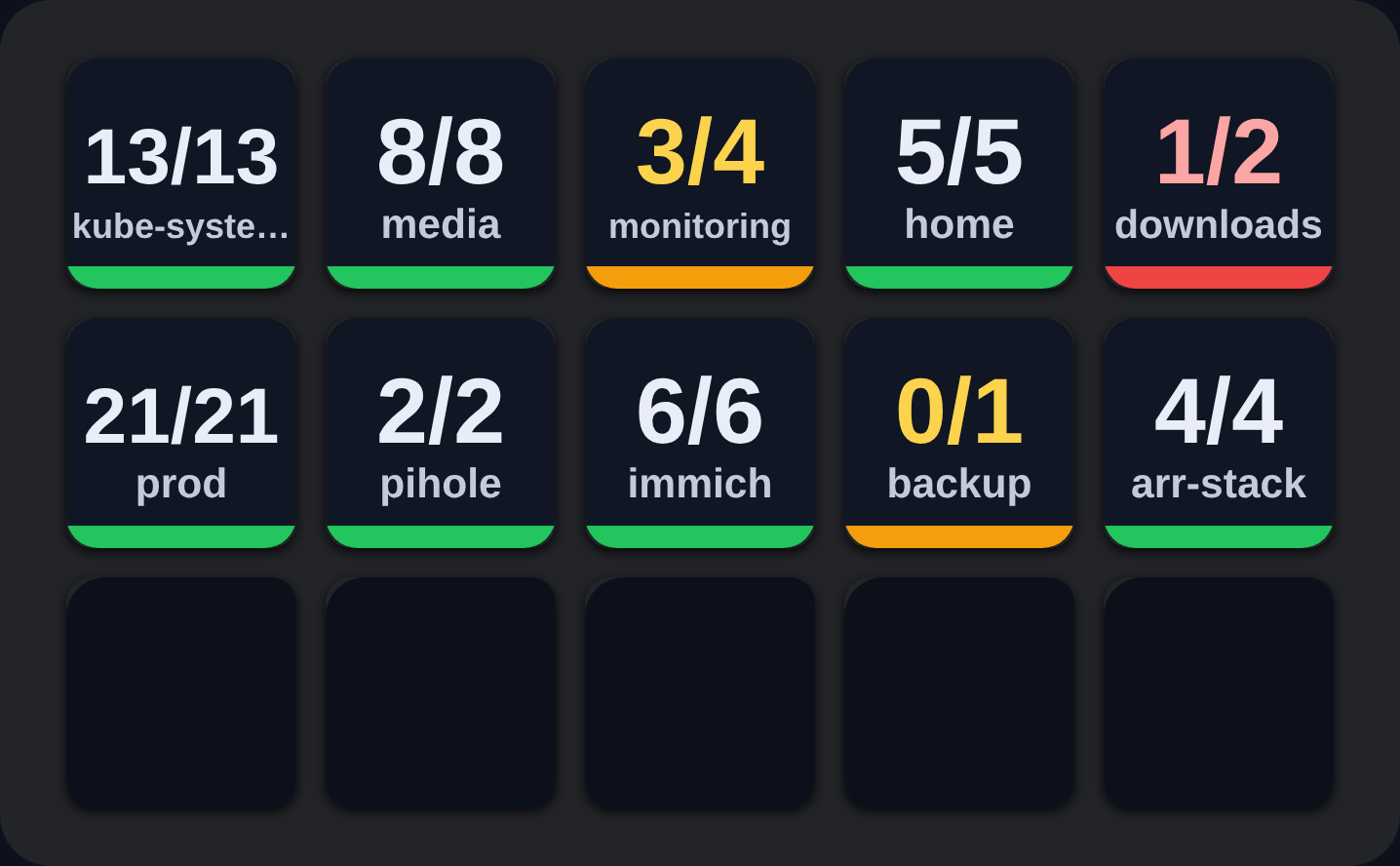
Every namespace, one glance
One key per namespace or deployment, showing ready/total pods and a status stripe along the base. Each key carries its own kube context, so dev, staging and production sit side by side.
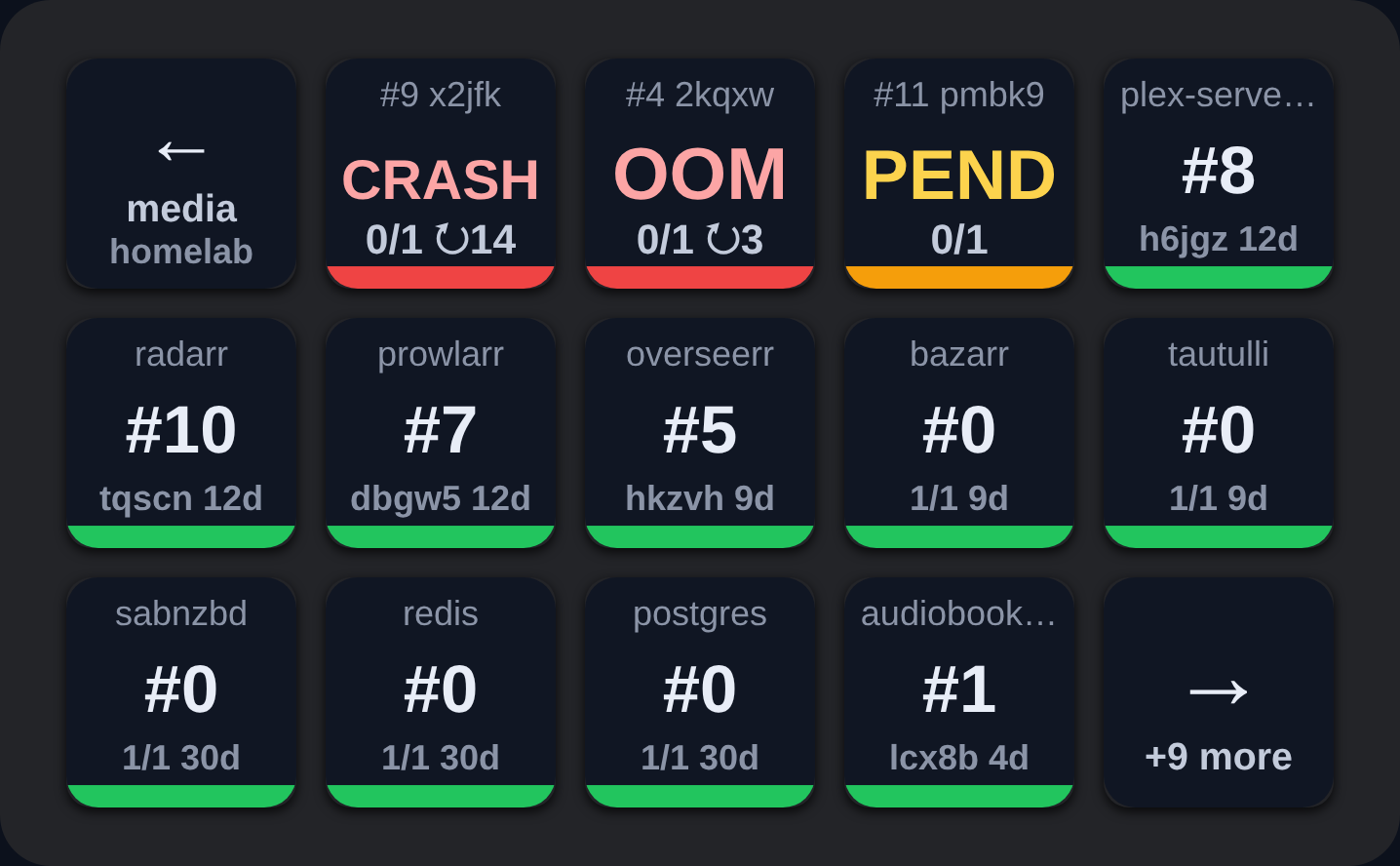
Press to drill into pods
The whole deck becomes that workload’s pod list. Failing pods name the fault — CRASH, OOM, PEND — carry their restart count, and sort themselves to the front. Healthy ones just say which replica they are.
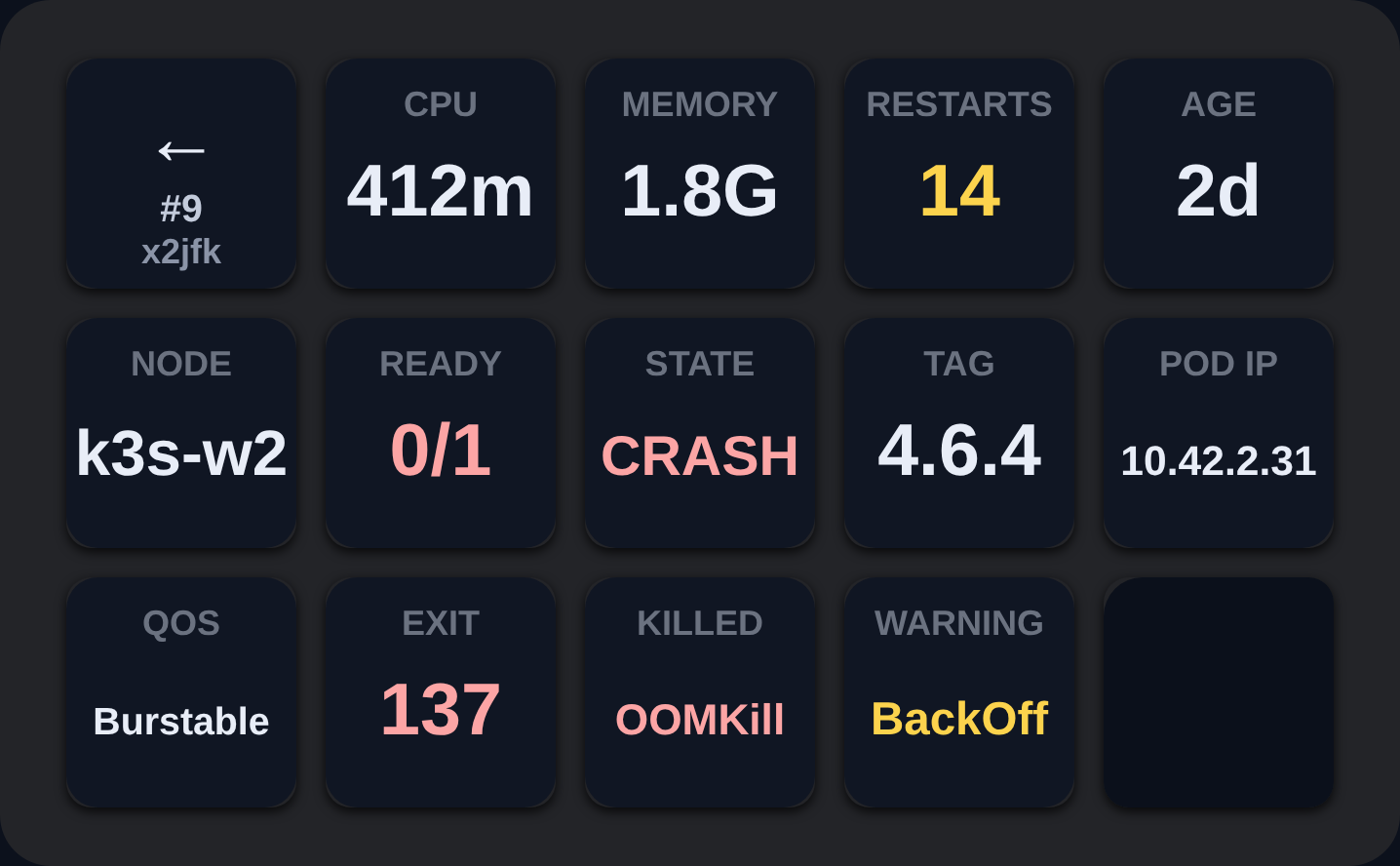
Press again for the whole story
One pod fills the deck: CPU and memory, restarts, age, the node it landed on, its image tag and pod IP — and when it has died, the exit code, what killed it and the last warning event.
What it needs
- Stream Deck 6.9 or later, macOS 12+ or Windows 10+.
- A kubeconfig on the same computer — normally
~/.kube/config— with permission to list pods. - CPU and memory readings need metrics-server in the cluster. Everything else works without it.
KubeDeck reads that kubeconfig exactly like kubectl. Nothing is installed in the cluster, there is no account, and no credentials leave your machine.
Questions: [email protected]